Plush audio companions
Build a character whose appearance, touch and voice belong together.
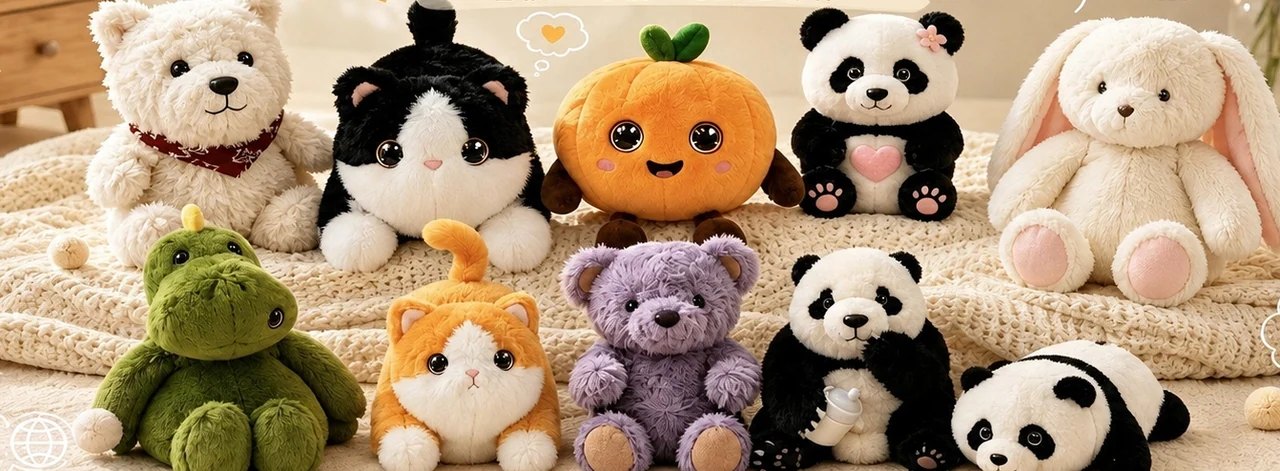
Explore plush companions, sound books, learning devices and more. Choose a format, compare references and plan your first sample.
Start with your content and the action you want a child to take. Each family has its own development notes and sample checklist.
Build a character whose appearance, touch and voice belong together.
Connect each printed cue with the right sound and a reading action children can follow.
Plan a complete activity, from choosing a card to understanding the response.
Give stories a physical home and a clear way to choose, repeat and stop them.
Fit the trigger, recording and audio path to the product around the module.
Build around one everyday routine, then make the controls easy to understand.
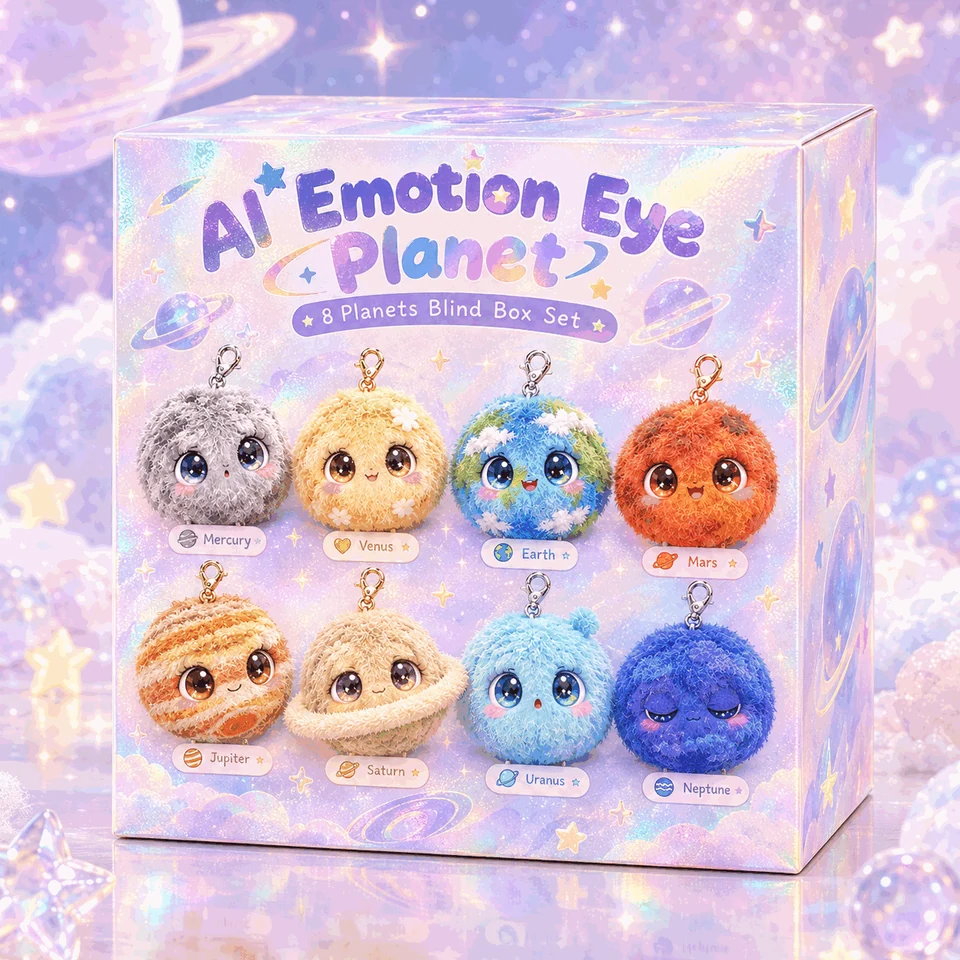
Develop a character around how children will interact with it. Start with a character sketch, a plush reference or an existing sample.
Character artwork, approximate dimensions, fabric and trim preferences, and the voice or response you want to prototype.
Decide which features define the character: silhouette, face, colors, trim and size. Mark the details that must stay consistent between the artwork and sample.
Describe what starts an interaction and what happens when the toy does not understand. If you plan to use multiple languages, include example phrases for each one.
Try the toy in a quiet room and with normal background noise. Check sound clarity, how easy it is to trigger a response, and how the electronics feel inside the plush.
Plan the learning activity before choosing the controls. A sample lets your team check how a child moves between spoken prompts, songs and activities.
Target age, learning goals, example activities, audio languages and how children should start or repeat a prompt.
Write a short example of a lesson or game. Show what the child sees or hears, what action comes next, and what feedback they receive.
List the sounds and prompts you will supply. Map each physical control to its function and decide whether the child can repeat a prompt or change the volume.
Ask someone unfamiliar with the design to start an activity, correct a mistake and return to the beginning. Note where the controls or prompts need to be clearer.
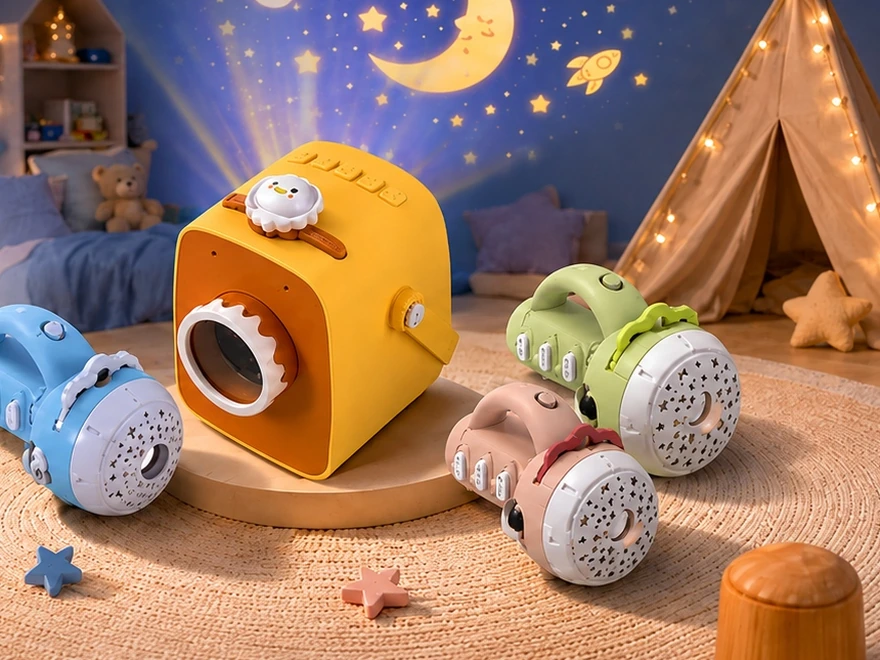
Choose a format for stories, songs or recordings. Review sound, controls and portability together on the sample.
Audio library, preferred controls, playback sequence and any requirements for size or power.
List sample titles, languages and clip lengths. Decide whether stories are selected directly, played in sequence or linked to an accessory, if the design calls for one.
Define how listeners start, pause, skip and adjust playback. Include size, portability and power requirements, and consider where the speaker should face.
Listen at typical distances and test transitions between tracks, power interruptions and volume settings. Check that the enclosure and controls are comfortable to hold.
Search by name or model, then open the development notes or carry the reference into an inquiry.
26 product references
SB-002 / Sound and musical books
A board book format where the sound panel is mounted on the cover or the side, and the pages are thick board stock.
Add this reference to my inquiryPT-001 / Plush audio companions
A plush panda with a blinking-eye mechanism, where the movement is the product rather than the sound.
Add this reference to my inquiryPT-004 / Plush audio companions
A plush panda audio companion that combines a soft body with a speaker and a simple interaction set.
Add this reference to my inquiryPT-005 / Plush audio companions
A plush audio companion with AI voice interaction, combining a soft body with connected audio hardware.
Add this reference to my inquiryPT-006 / Plush audio companions
A first-generation AI plush companion, where conversational audio is the primary feature.
Add this reference to my inquiryPT-007 / Plush audio companions
A second-generation AI plush companion, developed as an iteration on an existing platform.
Add this reference to my inquiryPT-008 / Plush audio companions
A plush panda designed around a seated, forward-leaning pose, with audio hardware built into that shape.
Add this reference to my inquiryPT-009 / Plush audio companions
A version of a seated plush with detailed paws, where the surface detail is part of the product identity.
Add this reference to my inquiryPT-012 / Plush audio companions
A plush rabbit audio companion, where the long ears are the defining feature and the main structural problem.
Add this reference to my inquirySHEET-R42 / Plush audio companions
A character set built around expressive eyes, where the eyes are the main channel for emotion.
Add this reference to my inquirySHEET-R43 / Plush audio companions
A single character built on an expressive eye, used as a focal design rather than as part of a large set.
Add this reference to my inquirySB-001 / Sound and musical books
A sound book where the trigger button sits inside the page or cover rather than on a plastic panel.
Add this reference to my inquiryFC-001 / Cards and learning devices
A handheld reader paired with a card set. Inserting or tapping a card triggers the corresponding audio.
Add this reference to my inquiryFCB-001 / Cards and learning devices
A drawing tablet paired with cards, where the card selects a design and the surface is used to follow or trace it.
Add this reference to my inquiryLM-002 / Story players and projectors
A story box where magnetic pieces placed on or near the unit select or trigger audio content.
Add this reference to my inquiryLM-003 / Story players and projectors
A story box where tagged physical pieces select or trigger audio, rather than buttons on the device.
Add this reference to my inquiryLM001 / Story players and projectors
A handheld audio player for stories and spoken content, operated with physical controls and no screen.
Add this reference to my inquiryLMC-001 / Story players and projectors
A card player with a circular form, where a card is placed on a platter and the device reads it and plays the matching audio.
Add this reference to my inquiryLMC-002 / Story players and projectors
A square-format card player, using the same card-based interaction in a housing that stacks and stores more easily.
Add this reference to my inquiryLMC-003 / Story players and projectors
A card player built into a castle-shaped housing, where the character architecture is part of the play value.
Add this reference to my inquiryLMP-002 / Story players and projectors
A story device that projects images while it plays the matching audio, so the picture and the sound advance together.
Add this reference to my inquiryLMP-003 / Story players and projectors
A projector platform for story content, offered as a variant of an existing model rather than a clean-sheet design.
Add this reference to my inquiryLMP-004 / Story players and projectors
A character-shaped story projector where the housing is part of the product identity, not just an enclosure.
Add this reference to my inquiryAC-001 / Clocks, lights and audio gifts
A bedside unit that combines a clock, a night light and continuous sound playback in one housing.
Add this reference to my inquiryAC-002 / Clocks, lights and audio gifts
A timer device with a character housing, used to visualise a period of time rather than to tell the time.
Add this reference to my inquiryAC-003 / Clocks, lights and audio gifts
A night light and alarm clock combined in a character housing, intended for a bedside table.
Add this reference to my inquiryTry a model code, a shorter keyword or another product family. Clear the filters to see the full directory.
Compare the design questions before you compare decorative details.
| Format | User action | Sample questions to resolve |
|---|---|---|
| Plush companion | Press a control, speak or trigger a defined response | How does the user start listening? Where do the controls and speaker sit? |
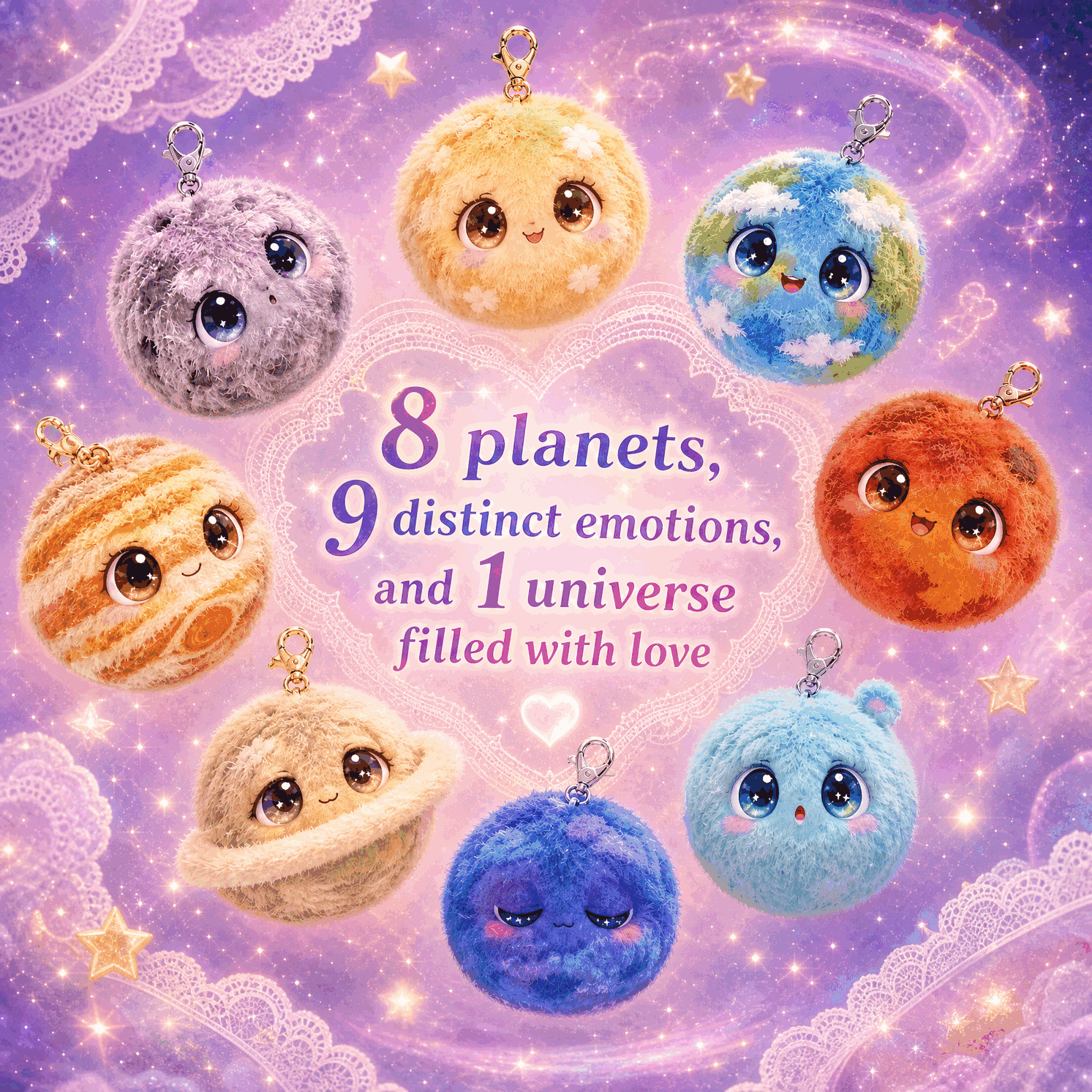
| Plush keychain | Carry, display or attach a character | Does it hang upright? What makes the silhouette recognizable? Is audio part of the selected version? |
| Learning device | Select a prompt, match an item or complete an activity | How does the child know what to do? Can the activity be repeated or corrected? |
| Story player | Choose a track or accessory and listen | How does playback start, stop and resume? What happens when the selection changes? |
| Bedside audio format | Start a routine and control sound or light | How does the user set it up in a dim room? What happens when the routine finishes? |
Use these questions to move from a product reference to a quotation the team can review.
Send a reference image and mark the dimensions that matter for handling, display or packing. Separate required character features from decorative preferences. For a range of variants, identify which parts are shared.
Give an example of the complete operating sequence. List each trigger, expected recording or response, language and stop behavior. Explain any function you want to work when connectivity is unavailable.
Describe where the product will be used, how it is powered and who needs access to the controls. Ask the project team to review the power system, volume and assembly inside the proposed product.
Include the destination, intended age, quantity estimate and target shipment date. Attach channel or packaging requirements and identify any documentation you need with the selected configuration.
Explore the individual character designs and the details to review before approving a sample.
Keep the gray tones distinct in indoor light.
Align the bands around the body.
Use soft blue while keeping the face legible.
Agree on the shape and position of the ring.
Check the expression on a dark body.
Define which accents belong on the sample.
Balance the red fabric and surface markings.
Map the land and water colors across seams.
Set the proportions of the beak and feet.
Keep the ears, face markings and tail recognizable.
Review the wings and face together.
Check the ears and hanging balance before approving the silhouette.
Plan the relationship between the picture, the audio and the child’s controls.
Define the bedtime routine before choosing playback or light controls.
The current Xinditai range also includes formats for published content, card based learning and audio integration.
A sound book combines printed pages, a physical trigger and the recording that belongs to each cue. Start with a simple reading action, then review the page construction, control position and audio map together. A language edition needs its own approved map so printed content and recordings stay aligned.
Read the sound book development guide ↗Begin with the learning sequence and the information each card carries. Agree how the reader identifies a selection and what the child hears after presenting, changing or removing a card. Review printed identifiers, audio file names and the full activity on the sample before confirming the content set.
Plan the content and languages ↗An audio module needs to fit both the operating sequence and the available space inside the host product. Describe the trigger, number of tracks, speaker position, power source and content loading method. Review the sound in the assembled product so the enclosure or fabric is part of the listening test.
Compare audio hardware decisions ↗Choose one routine for the product to support, such as listening before bed, using a timer or playing with a portable microphone. Define the control sequence, audio and any light behavior for the selected format. Include the pack, instructions and power arrangement in the sample review.
Explore development pathways ↗Tell us what you want the toy to do and what you need to evaluate in the first sample.